
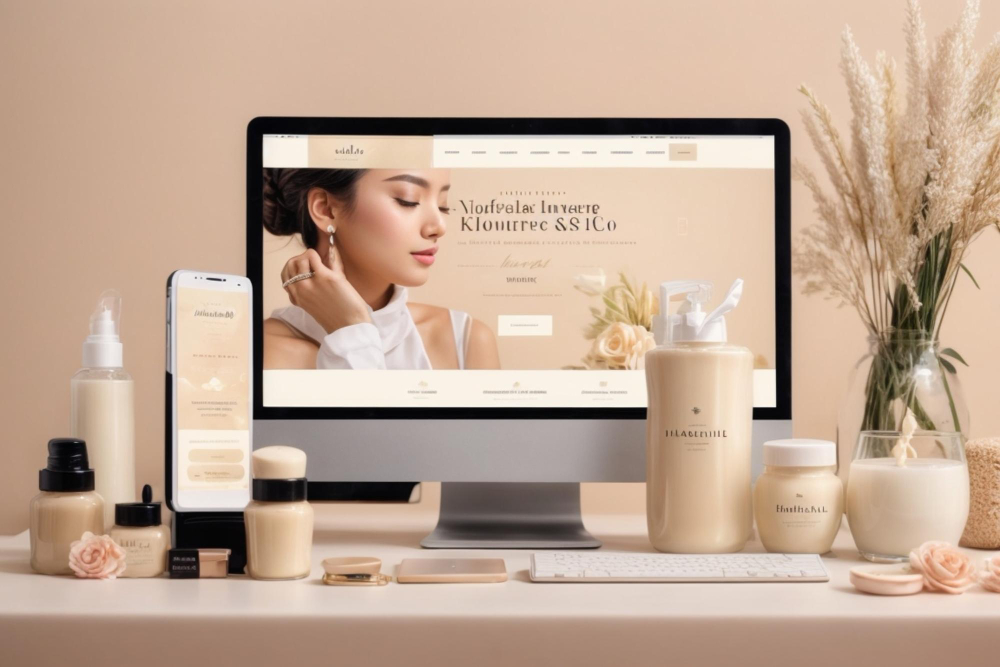
Most beauty salons have an Instagram profile and a Google listing. That is a good start, but a client looking for a new salon usually wants to check prices, see results and book a slot right away. If she cannot find this in a minute, she will choose the salon next door.
Below I describe what a beauty or hair salon website should include so that it is not just a nice business card, but actually brings in bookings.
IN SHORT
- The essentials: an up-to-date price list, a booking button, treatment photos, an address with a map and reviews.
- The site must work well on a phone first, because that is where most clients come from.
- Each main treatment deserves its own page: it is easier to find on Google.
- The website and the Google Business Profile work best together, with the same details.
Why a salon needs a website if it already has Instagram
Instagram shows the atmosphere of the salon, but it answers specific questions poorly: how much a treatment costs, how long it takes, how to prepare, whether there is a free slot on Saturday. On a website these answers are always in the same place and do not get buried under new posts.
The second reason is Google. Clients search for phrases like “brow lamination + city” or “gel manicure price”. An Instagram profile rarely ranks high for such searches, while a well-prepared website with service descriptions has a much better chance.

1. A price list that is easy to read on a phone
The price list is usually the most visited part of a salon website. It works best when it is:
- split into categories (face, brows and lashes, hands, feet, hair),
- written as text, not uploaded as a photo of a flyer, which cannot be zoomed or searched comfortably,
- up to date: an outdated price is the first source of misunderstandings at the till,
- complemented with the duration of the treatment where it matters.
2. Online booking in one click
If you use a booking system (Booksy or similar), the “Book now” button should be visible on every page and at the top of the screen on mobile. If bookings go through phone or messages, the button can open a call or a chat directly.
The rule is simple: as few steps as possible between the client’s decision and the booking.
3. Pages for your key treatments
One “Services” page listing everything is not enough if you want to be found on Google. It is better to create separate pages for the few treatments that bring the most clients, for example nail styling, brow lamination, hydrogen facial or hair colouring.
On each page describe:
- what the treatment involves and who it is for,
- how long it takes and how much it costs,
- how to prepare and what to avoid afterwards,
- contraindications, if any,
- answers to the questions clients ask most often.
This content answers questions clients ask anyway, and at the same time helps the site appear in search results.
4. Photos: real ones, not stock
A client wants to see your salon and your results, not stock photos of models. Photos of the interior, the team and your work taken in good light work best. For before-and-after photos, remember to get the client’s consent to publish them.
Photos also need to be resized before uploading. Heavy files slow the page down, and a slow site on a phone loses clients faster than any other flaw.
5. Reviews and a link to your Google listing
Reviews from other clients are the strongest argument for many people. You can show a few genuine reviews on the website and link to your Google listing, where more are visible. Do not invent reviews: it is unfair to clients and can damage trust in the salon.
The website and your Google Business Profile should share the same details: name, address, phone and opening hours. Consistent information also helps in local results and on Google Maps.
6. Address, directions and opening hours
It sounds obvious, but many salon websites hide the address in the footer in small print. A separate section or contact page with a map, parking information, building entrance and opening hours, including holidays, works much better.
7. SEO basics for a salon
To be found by clients in your area, take care of a few basics:
- use treatment names and the city in page titles, e.g. “Brow lamination Gdynia”,
- describe services in your own words instead of copying descriptions from cosmetics brands,
- update the price list and photos regularly,
- add the site to Google Search Console and check which searches it appears for.
You can read more about local visibility on the Local SEO page.
What to avoid
- a price list as an image or a downloadable PDF,
- autoplaying music and heavy animations,
- pop-ups covering the booking button,
- a site only the developer can edit: changing a price should not require an order.
How much a salon website costs
The cost depends on the number of pages, whether texts and photos are ready, and integration with the booking system. I build a simple salon website on WordPress from PLN 2,000 net. If a single page for one service or promotion is enough to start, a landing page from PLN 800 net can be a good option.
Summary
A good beauty salon website does not have to be large. It has to answer three questions quickly: what you offer, how much it costs and how to book. Add real photos, reviews and a consistent Google listing, and the website starts working for new bookings.
Let’s talk about your website
Do you run a beauty or hair salon and want a website that brings in bookings? Tell me what you need – I will reply on a working day with the next steps.